November 10, 2026Import markets & compliance6 min read
Canton Fair Official Website and Buyer Login
Published by AeonixTrade.
Last fact-checked: 10 November 2026.
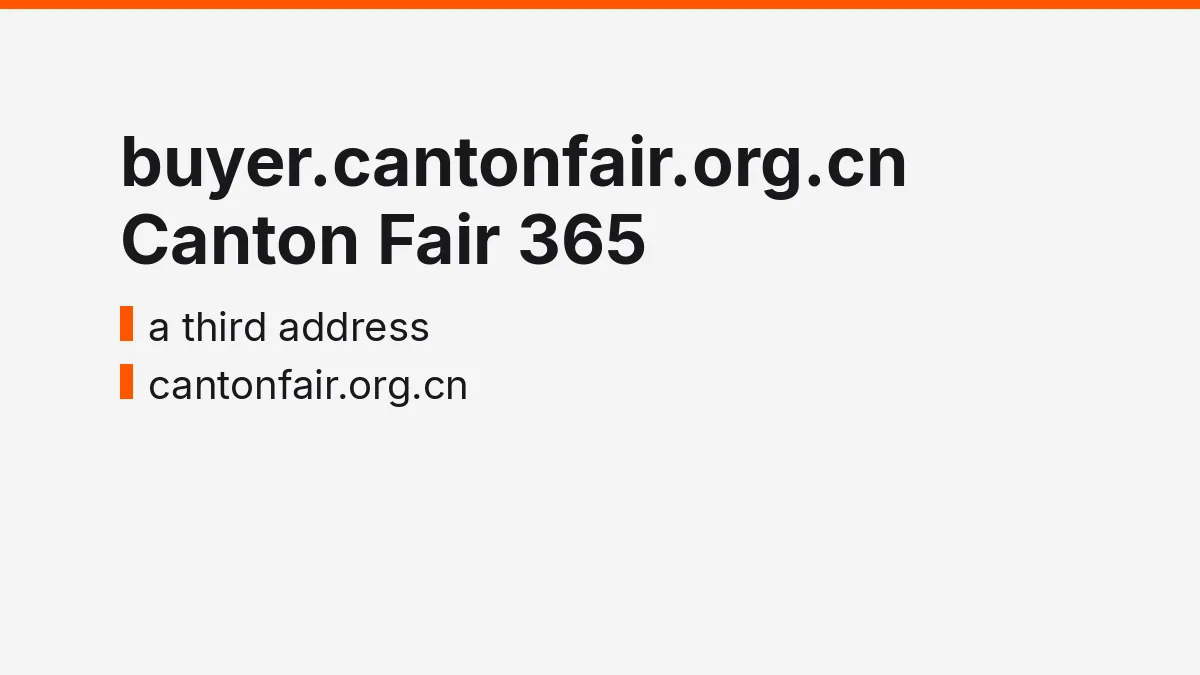
The Canton Fair official website is www.cantonfair.org.cn. The buyer login is a different host on that same domain: the Buyer Service System at buyer.cantonfair.org.cn. The year-round product site, Canton Fair 365, is a third address. People lose a morning when a chat link collapses those three into one "login."
A buyer in Accra receives a message the week she is booking flights for Phase 1, 15-19 April 2027. The message says her badge will be printed if she sends her email password to a coordinator. The link's host is not cantonfair.org.cn. She should close it. She opens the public site herself, then the buyer system, and uses the reset control printed on the organiser's own guide. Nobody else needs that password to collect a badge. This is a typical case, not a recorded order.
What each official host is for
The public site carries notices, the current session, and the dates. On 10 November 2026 the general-information page, release date 3 November 2026, still showed the 141st session as 15-19 April, 23-27 April, and 1-5 May 2027, with talks from 9:30 to 18:00. That page is not where you type a password.
The Buyer Service System is where an account, a badge application, and an invitation letter live. The invitation guide, release date 12 August 2025, calls it the system on the official website and prints the host buyer.cantonfair.org.cn. Registration steps, which ID to carry, and where to collect the badge are not repeated here. They stay on the buyer registration and badge guide.
Canton Fair 365, at 365.cantonfair.org.cn, is the year-round display and search site. A product card there is not a logged-in badge file. How to use the months between sessions is the online platform article. The phone app is a fourth surface, with its own download page, covered in the official app article.
How a returning account gets in
The same invitation guide says that, starting from the 136th session, the Buyer E-service Tool (BEST) was upgraded to this Buyer Service System. If you already had a BEST account, the guide says that information was uploaded and that you log in with the existing account. If you did not, you register in the new system. The guide also says earlier attendance can be pulled onto a new account if you bind your buyer-badge number.
That page is dated 12 August 2025 and was still the guide online on 10 November 2026. Treat the BEST sentence as what that guide still prints, and use the live login if a button has moved. Do not pay a third party for a "BEST migration."
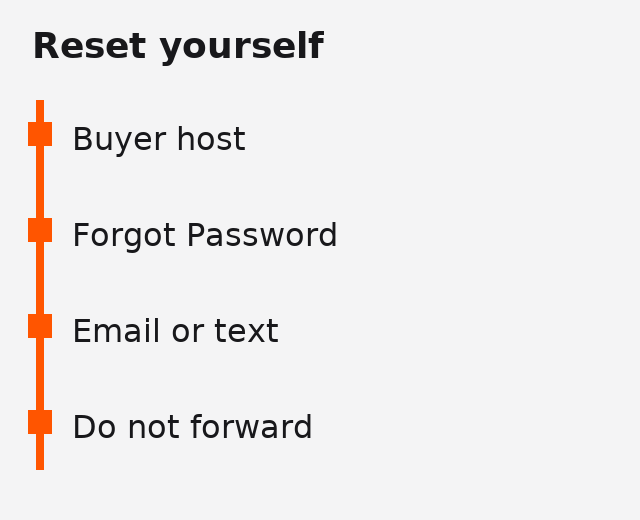
If you forget the password, the guide tells you to click Forgot Password at the bottom of the page, or Verification Code at the upper right, and to use the code from email or a mobile text. Reset it yourself. Do not forward the password, the code, or a photo of either to a coordinator, a hotel desk, or a group chat.
Which host is the login
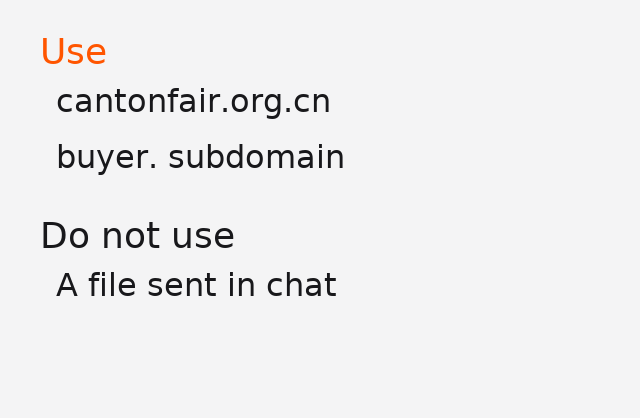
| Host checked 10 November 2026 | Use it for | Do not use it as |
|---|---|---|
| www.cantonfair.org.cn | Notices, dates, the session page | The password form |
| buyer.cantonfair.org.cn | Account, badge, invitation letter | A file someone texts you |
| 365.cantonfair.org.cn | Search and messages between sessions | Proof you are pre-registered |
| invitation.cantonfair.org.cn | Did not resolve | A login. Treat it as unavailable |
The hostname booking.cantonfair.org.cn answered, but the page had no readable catalogue. It is not described here as a hotel list. The older invitation subdomain is the one to retire in your bookmarks: on 10 November 2026 the name did not resolve. Invitation letters are requested inside the Buyer Service System. The menu path is on the invitation letter guide, and a letter is still not a visa.
What you can see after login, without doing it here
The invitation guide names Invitation Letter and Overseas Buyer Badge in the left menu. An itinerary page released 13 September 2026 names My Itinerary. Those labels are a map, not a procedure. Badge collection rules stay on the registration guide. Appointments stay on the appointments and matchmaking page. Copying a menu name into a chat does not finish the step.
Pitfalls
- Any host that is not cantonfair.org.cn, even if the page uses the fair's name and an orange button. This article does not print look-alike addresses. If the host is wrong, do not type the password.
- A coordinator who says the only way to "activate" the badge is to send the password. The guide's reset path does not work that way.
- Treating a 365 chat, or a bookmark saved on invitation.cantonfair.org.cn, as the buyer login. One is a product site. The other did not resolve on the day this page was checked.
- Re-doing the whole badge application because a BEST account looks unfamiliar. The guide says an existing BEST account signs in as itself.
Questions that are really about the account
Is the public website the same as the buyer login?
No. The public site publishes the session. The Buyer Service System is where the account sits. 365 is the year-round platform. Use the host, not the logo on a screenshot.
Can someone else log in and apply for me?
The invitation guide describes company administrators who can apply for badges or invitations for members inside that system. That is an in-account role, not a reason to hand your password to a travel desk. If you want a person walking with you, that is a different badge, on the accompanying-badge page.
When the account is yours and the phase is chosen, put the product on an RFQ. If you would rather have the booth list handled with you, start from the buying-trip page.
The fair logistics around this are Canton Fair 2027 Dates, Phases and Which Products Each Phase Covers, badge and registration fees, whether a small buyer should go, and opening hours and a day plan.
Official sources
- Canton Fair official website, checked 10 November 2026.
- Buyer Service System, the login host named on the organiser's guides.
- Guide on invitation application, release date 12 August 2025. BEST upgrade, Forgot Password, and Verification Code.
Submit sourcing request
Can't find what you need?
Start with a product or image link, an approximate quantity and destination. Other details can follow.